


2018年3月7日,Windows10从17112.1版升级到17115.1版系统。3月14日微软又向快速预览通道发布了最新的内部版本号Windows 10 Insider Preview 17120.1 (rs4_release)。

Windows10从17115.1版升级到17120.1版系统教程Windows10系统的升级,已成规律,即分为两个阶段:第一阶段是升级系统的准备阶段,包括:初始化、准备安装、下载和安装;第二阶段是系统的升级阶段,即电脑重启以后的:复制文件、安装功能和驱动程序及优化设置。
第一阶段:初始化、准备安装、下载和安装Windows 10 Insider Preview 17120.1 (rs4_release)系统文件。
windows 更新
Windows 10 Insider Preview 17120.1 (rs4_release)
状态:正在初始化...

indows 更新
Windows 10 Insider Preview 17120.1 (rs4_release)
状态:正在准备安装 - 0% ~ 100%
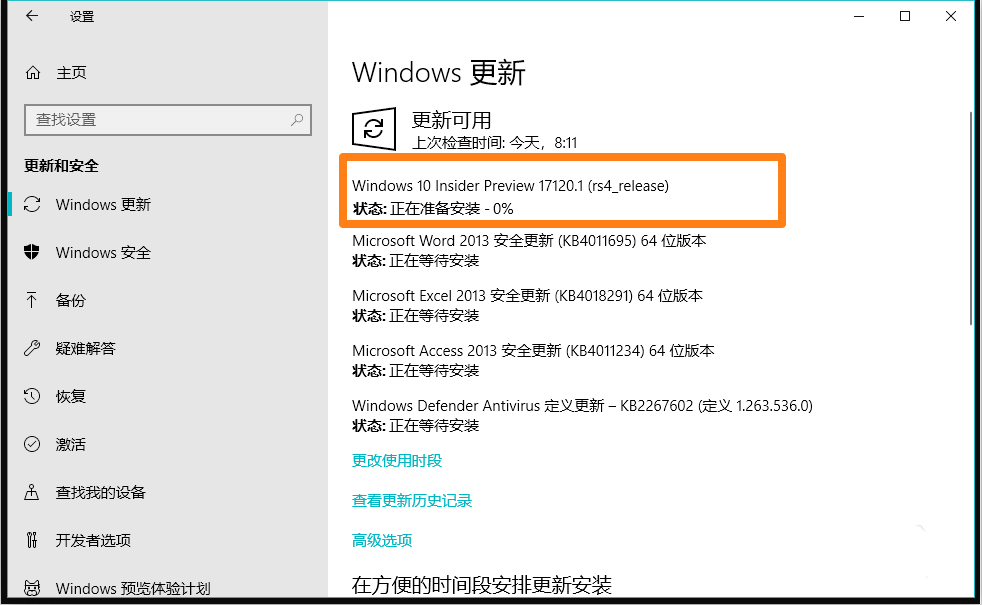


Windows 更新
Windows 10 Insider Preview 17120.1 (rs4_release)
状态:正在下载 - 0% ~ 100%
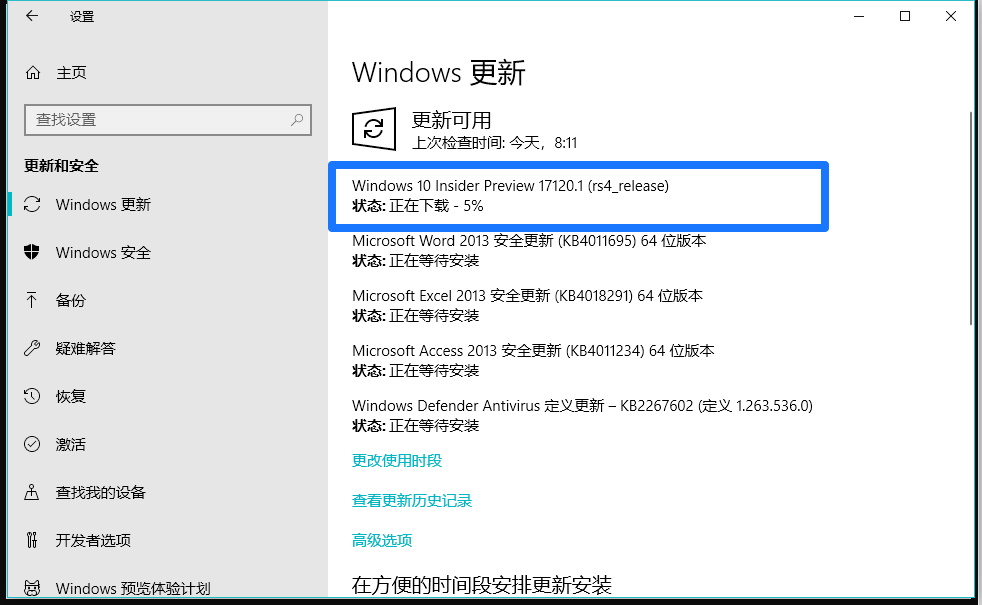
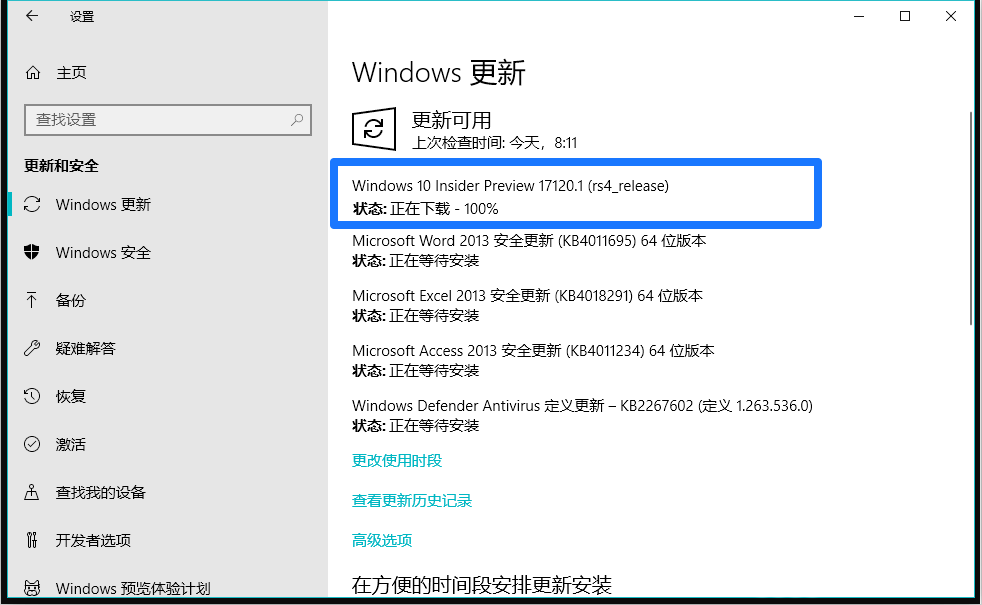
Windows 更新
Windows 10 Insider Preview 17120.1 (rs4_release)
状态:正在安装 - 0% ~ 100%


当Windows 10 Insider Preview 17120.1 (rs4_release)文件安装完成以后,显示:
Windows更新需要重启
上一页12 下一页 阅读全文



