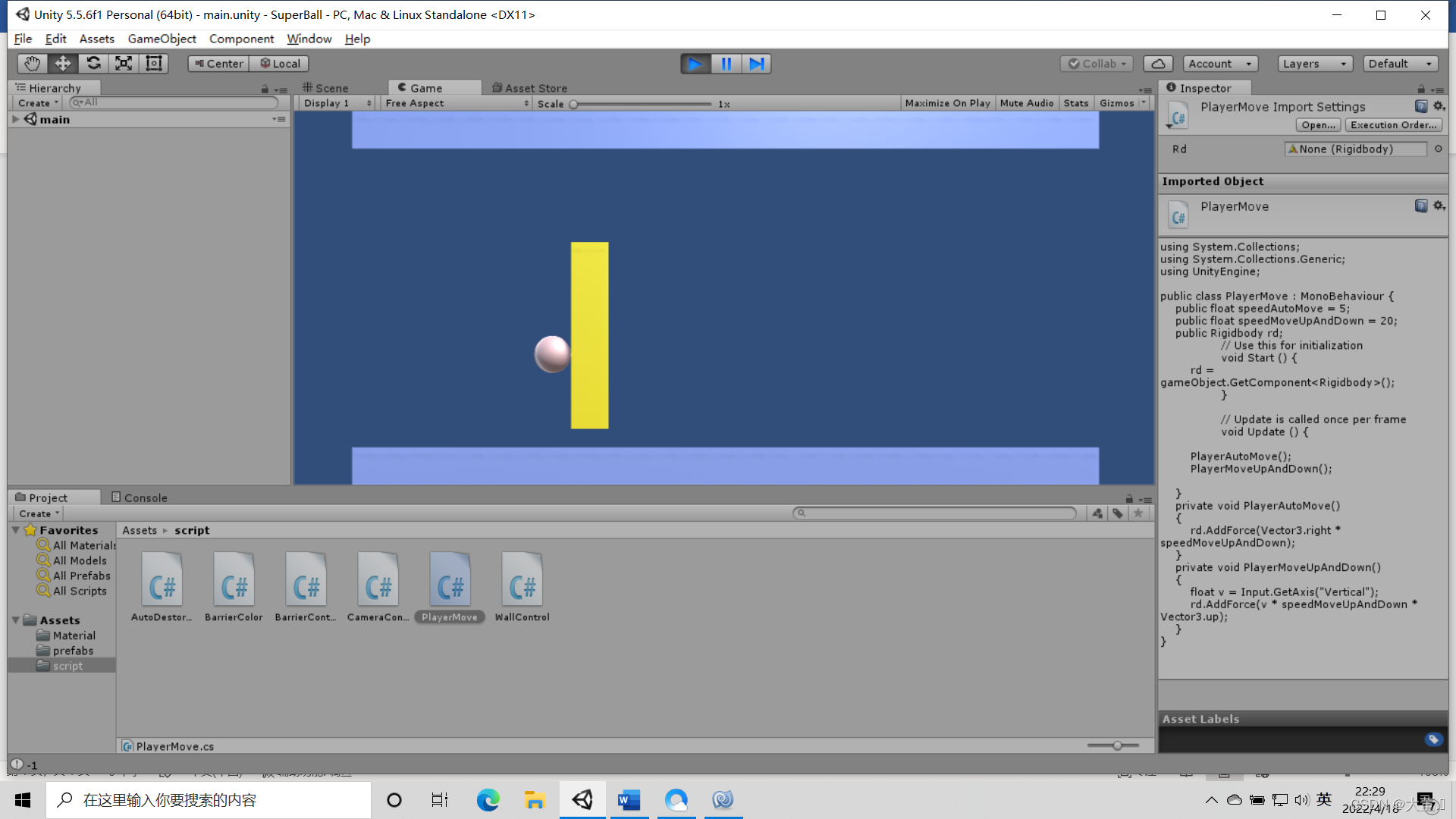
Unity 创建小游戏
//随机控制墙体变化
using System.Collections;
using System.Collections.Generic;
using UnityEngine;
public class WallControl : MonoBehaviour {
private float offset;
public GameObject player;
// Use this for initialization
void Start () {
offset = gameObject.transform.position.x - player.transform.position.x;
}
void Update()
{
FollowPlayerMove();
}
// Update is called once per frame
void FollowPlayerMove () {
gameObject.transform.position = new Vector3(player.transform.position.x+offset,0,0);
}
}
//玩家控制
using System.Collections;
using System.Collections.Generic;
using UnityEngine;
public class PlayerMove : MonoBehaviour {
public float speedAutoMove = 5;
public float speedMoveUpAndDown = 20;
public Rigidbody rd;
// Use this for initialization
void Start () {
rd = gameObject.GetComponent();
}
// Update is called once per frame
void Update () {
PlayerAutoMove();
PlayerMoveUpAndDown();
}
private void PlayerAutoMove()
{
rd.AddForce(Vector3.right * speedMoveUpAndDown);
}
private void PlayerMoveUpAndDown()
{
float v = Input.GetAxis("Vertical");
rd.AddForce(v * speedMoveUpAndDown * Vector3.up);
}
}
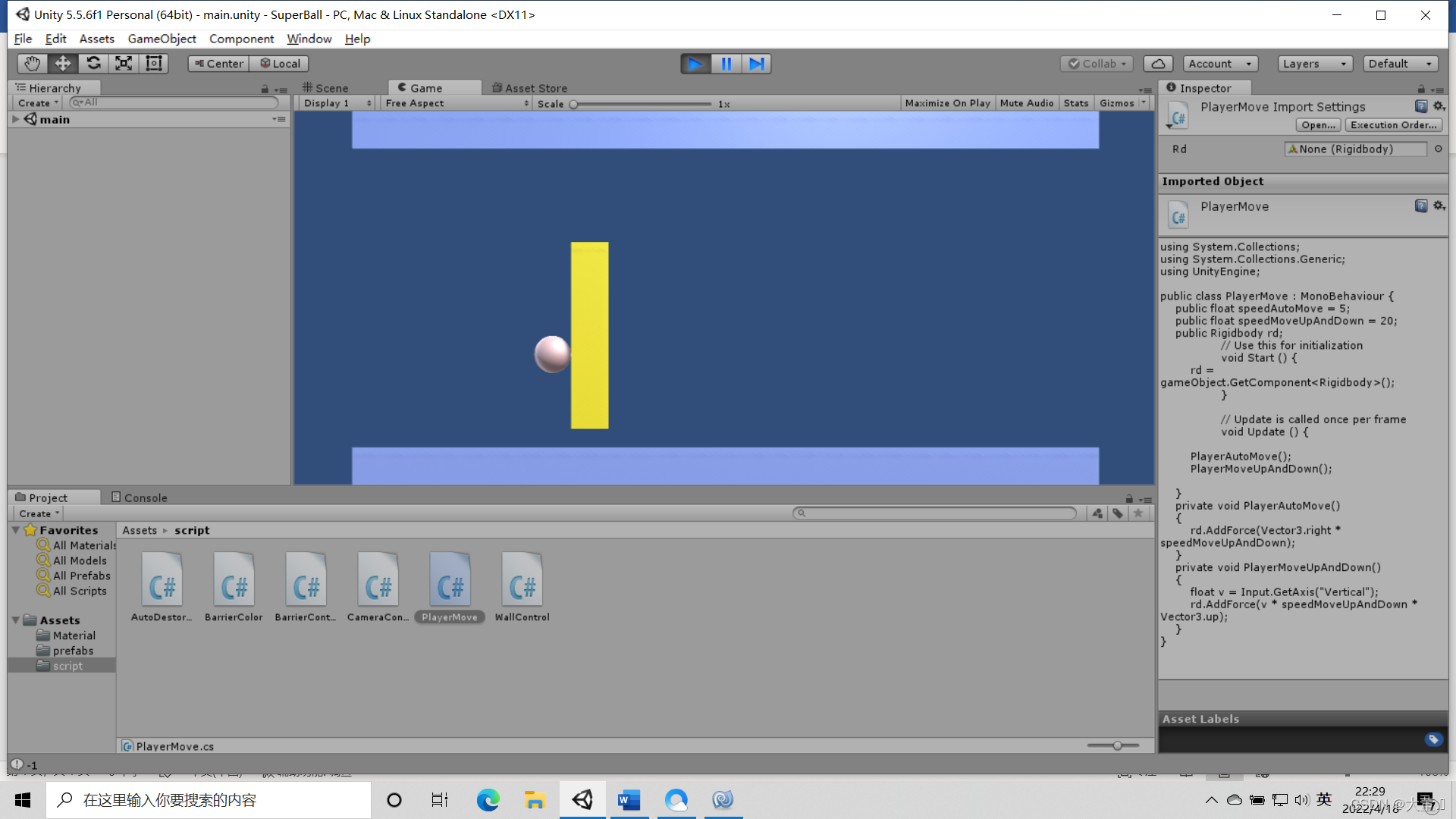
游戏截图
```