


想到去年面试实习的时候被问到实习圆环的问题,特意写篇文章总结一下吧!总结了一下大概有5种方法。
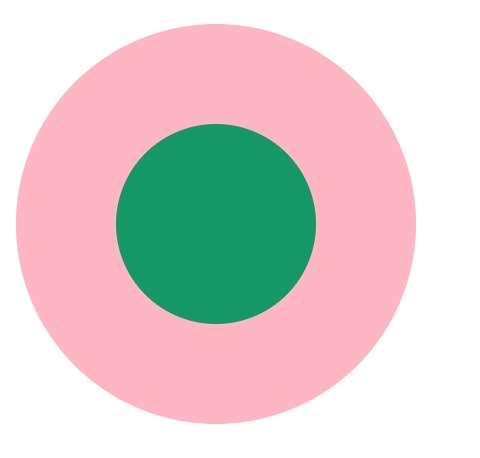
1. 两个标签的嵌套:
.element1{
     width: 200px;
     height: 200px;
     background-color: lightpink;
     border-radius: 50%;
 }
 .child1{
     width: 100px;
     height: 100px;
     border-radius: 50%;
     background-color: #009966;
     position: relative;
     top: 50px;
     left: 50px;
 }
2. 使用伪元素,before/after
.element2{
     width: 200px;
     height: 200px;
     background-color: lightpink;
     border-radius: 50%;
 }
 .element2:after{
     content: "";
     display: block;
     width: 100px;
     height: 100px;
     border-radius: 50%;
     background-color: #009966;
     position: relative;
     top: 50px;
     left: 50px;
 }
3. 使用border:
 .element3{
     width: 100px;
     height: 100px;
     background-color: #009966;
     border-radius: 50%;
     border: 50px solid lightpink ;
 }
4. 使用border-shadow
.element4{
     width: 100px;
     height: 100px;
     background-color: #009966;
     border-radius: 50%;
     box-shadow: 0 0 0 50px lightpink ;
     margin: auto;
 }
  .element5{
     width: 200px;
     height: 200px;
     background-color: #009966;
     border-radius: 50%;
     box-shadow: 0 0 0 50px lightpink inset;
     margin: auto;
 }
5. 使用radial-gradient
.element6{
     width: 200px;
     height: 200px;
     border-radius: 50%;
     background: -webkit-radial-gradient( circle closest-side,#009966 50%,lightpink 50%);
 }
如果大家有其他的方法,请告诉我吧,谢谢!!!
以上就是本文的全部内容,希望对大家的学习有所帮助,也希望大家多多支持考高分网。



