


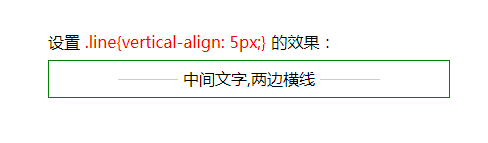
1. vertical-align属性实现效果:
vertical-align 属性设置元素的垂直对齐方式。
该属性定义行内元素的基线相对于该元素所在行的基线的垂直对齐。允许指定负长度值和百分比值。
    中间文字,两边横线


.header
{
    width:400px;
    height:36px;
    line-height:36px;
    border:1px solid green;
    text-align:center;
}
.line
{
    display:inline-block;
    width:100px;
    border-top:1px solid #cccccc;
    vertical-align:5px;
  //看到网上有把.text设置为vertical-align:-5px的,试了一下感觉和.header设置的line-height有冲突,效果不太合适。所以将vertical-align设置到.line上了
}

2. css伪类实现效果:
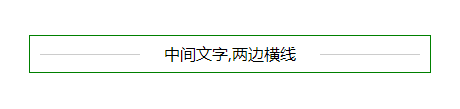
    中间文字,两边横线


    .header
    {
 width:400px;
 height:36px;
 line-height: 36px;
 text-align:center;
 border:1px solid green;
 position:relative;
    }
    .header div:before,.header div:after
    {
 position:absolute;
 background:#ccc;
 content:"";
 height:1px;
 top:50%;
 width:100px;
    }
    .header div:before{left:10px;}
    .header div:after{right:10px;}
总结
以上所述是小编给大家介绍的css实现中间文字两边横线效果 ,希望对大家有所帮助,如果大家有任何疑问请给我留言,小编会及时回复大家的。在此也非常感谢大家对考高分网网站的支持!



