


CSS3 分类菜单效果如下所述:
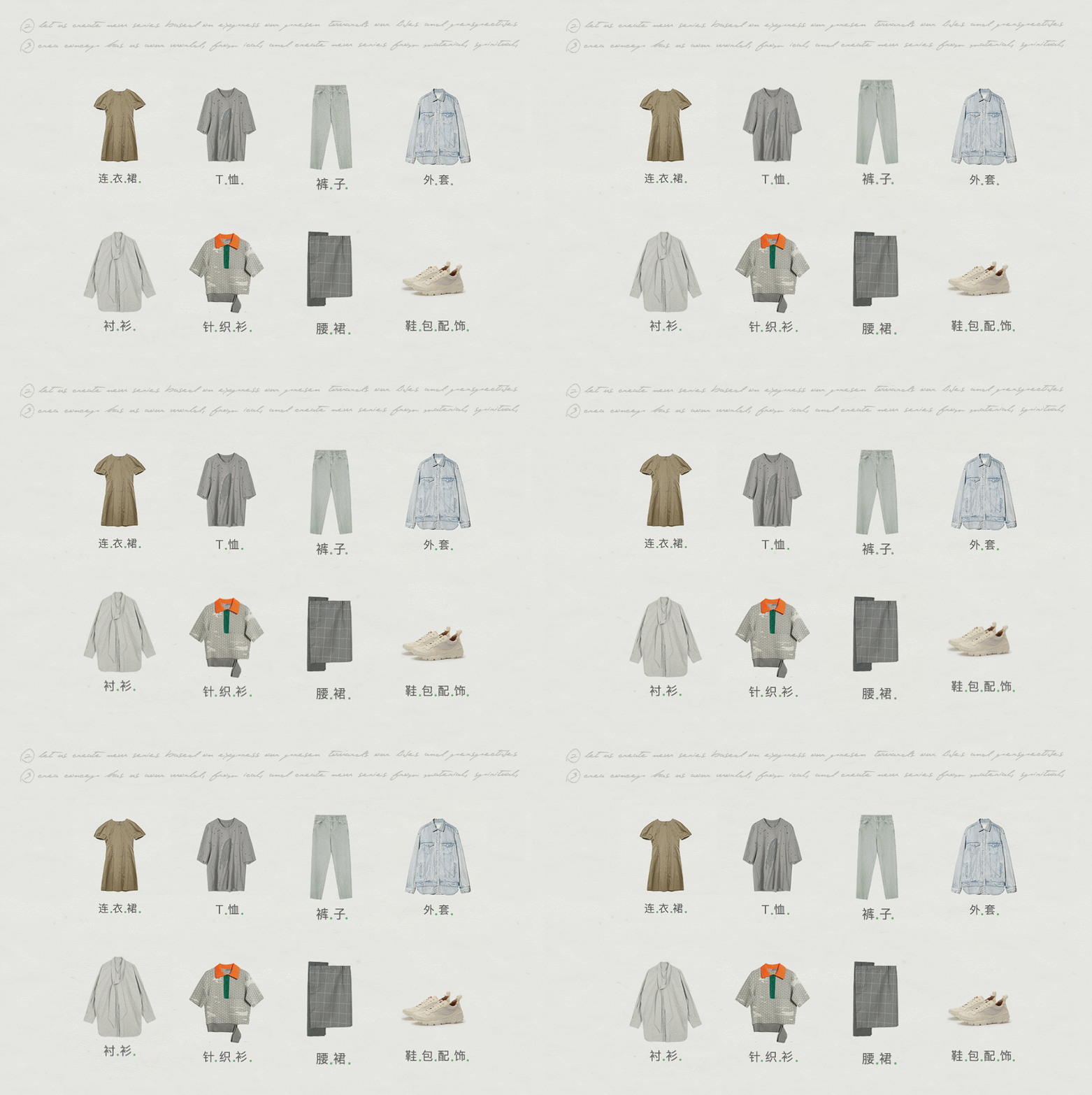
HTML
 #bg { width: 1270px; height: 751px; margin: 0 auto; background: url("images/bg.jpg") no-repeat; }
 .sblock { width: 800px; height: 250px; margin: 0 auto;}

 .sblock > div { width: 200px; height: 250px; margin: 0 auto; }
 .sb1 { padding-top: 170px; }
 .sb2 { padding-top: 30px; }
 .sblock div:hover { transform: translateY(-10px); }
 .sblock div { transition:all 0.5s; }
 .sb1 > div:nth-of-type(1) { float: left; background: url("images/1.jpg") no-repeat; }
 .sb1 > div:nth-of-type(2) { float: left; background: url("images/2.jpg") no-repeat; }
 .sb1 > div:nth-of-type(3) { float: left; background: url("images/3.jpg") no-repeat; }
 .sb1 > div:nth-of-type(4) { float: left; background: url("images/4.jpg") no-repeat; }
 .sb2 > div:nth-of-type(1) { float: left; background: url("images/5.jpg") no-repeat; }
 .sb2 > div:nth-of-type(2) { float: left; background: url("images/6.jpg") no-repeat; }
 .sb2 > div:nth-of-type(3) { float: left; background: url("images/7.jpg") no-repeat; }
 .sb2 > div:nth-of-type(4) { float: left; background: url("images/8.jpg") no-repeat; }
总结
以上所述是小编给大家介绍的CSS3 分类菜单效果,希望对大家有所帮助,如果大家有任何疑问请给我留言,小编会及时回复大家的。在此也非常感谢大家对考高分网网站的支持!



