


最近写CSS3和js结合,遇到了很多次z-index不生效的情况:
1.在用z-index的时候,该元素没有定位(static定位除外)
2.在有定位的情况下,该元素的z-index没有生效,是因为该元素的子元素后来居上,盖住了该元素,解决方式:将盖住该元素的子元素的z-index设置为负数
下拉框例子:
1.盖住的时候:
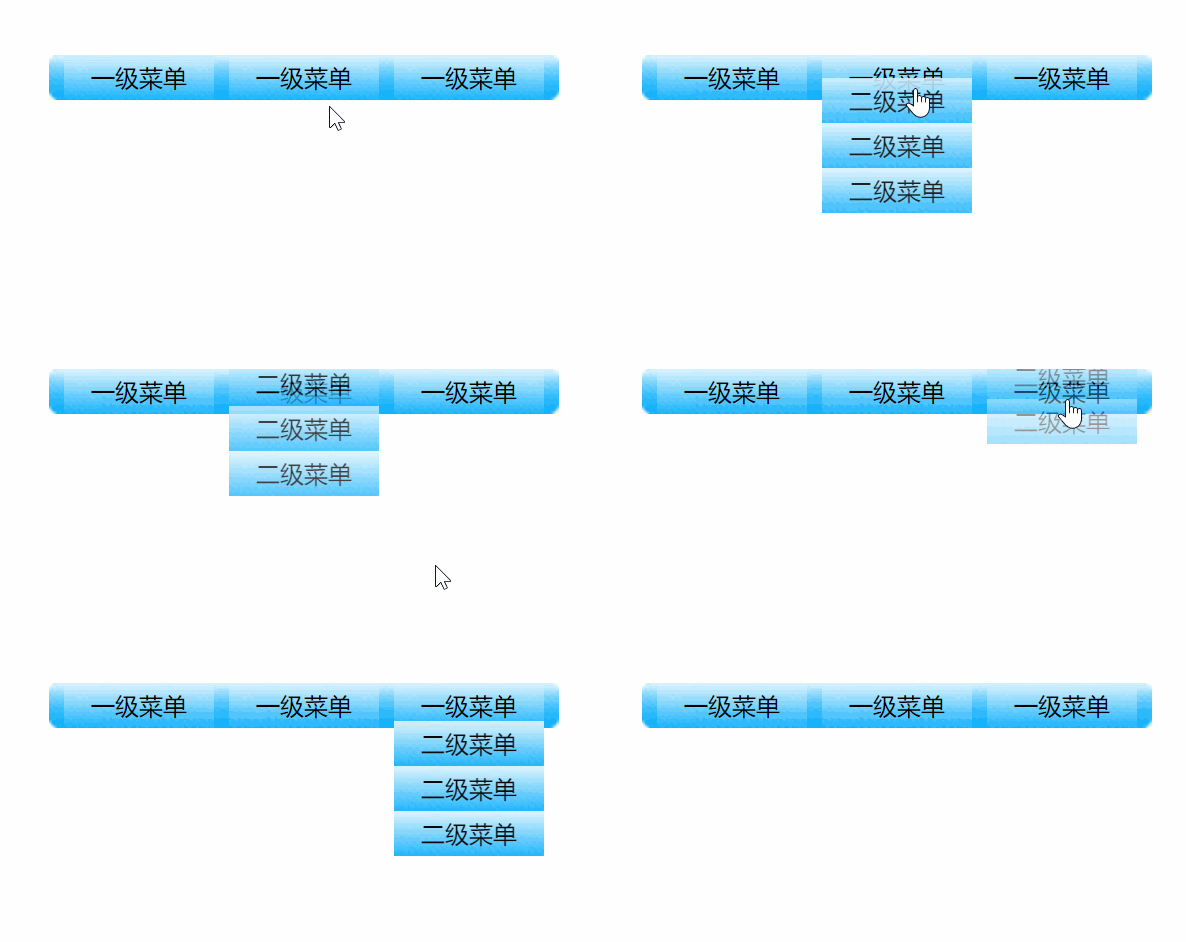
2.将下拉框的z-index设置为负数
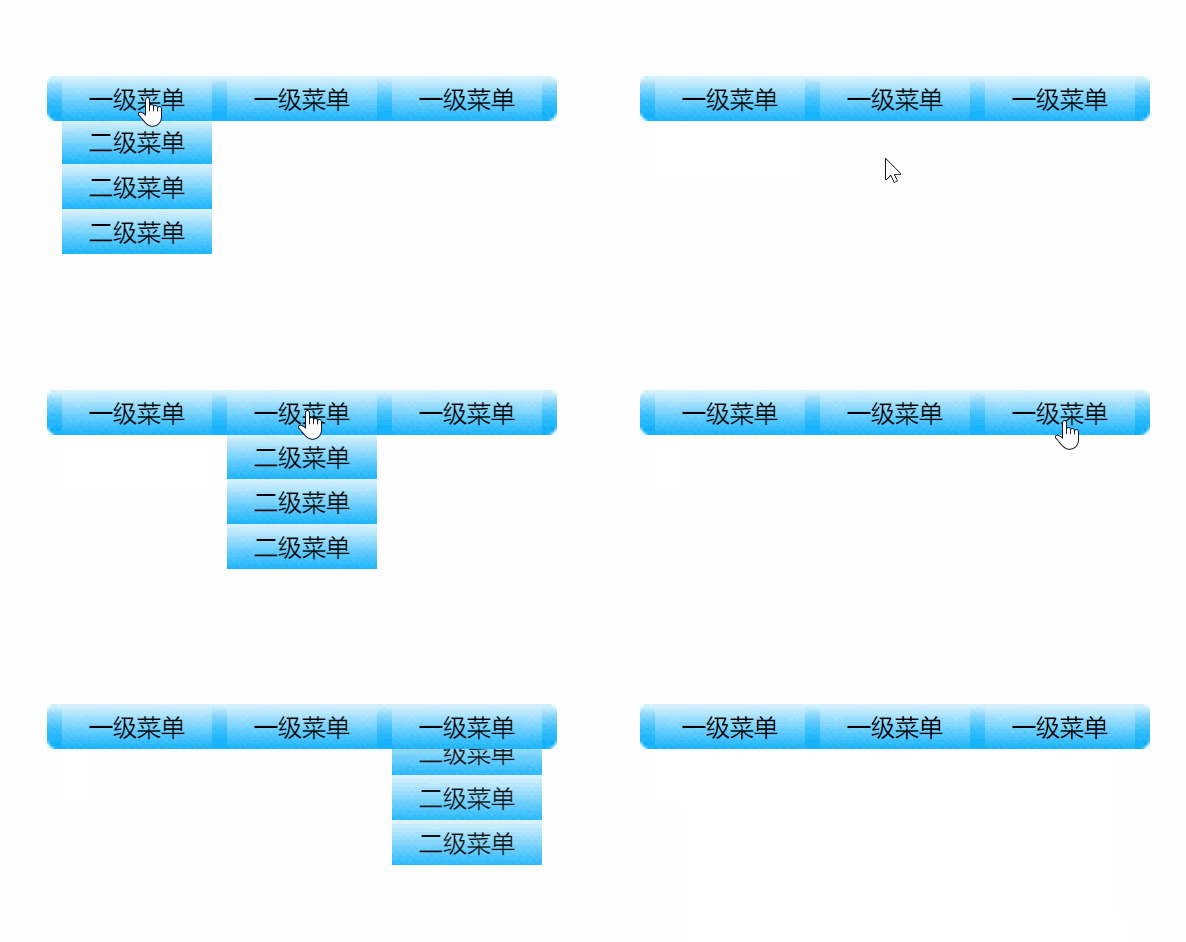
代码:
无标题文档 * { padding: 0; margin: 0; list-style: none; } .all { width: 330px; height: 120px; overflow: hidden; background: url(img/bg.jpg) no-repeat; margin: 100px auto; line-height: 30px; text-align: center; padding-left: 10px; margin-bottom: 0; } .all ul { position: relative; height: 30px; width: 100%; } .all ul li { width: 100px; height: 30px; background: url(img/libg.jpg); float: left; margin-right: 10px; position: relative; cursor: pointer; } .all ul ul { position: absolute; left: 0; top:-90px; transition: all 1s; opacity: 0; z-index:-1; } .all ul .lvTow { top:-90px; opacity: 0; } .all ul .show{ top:30px; opacity: 1; }
- 一级菜单
- 二级菜单
- 二级菜单
- 二级菜单
- 一级菜单
- 二级菜单
- 二级菜单
- 二级菜单
- 一级菜单
- 二级菜单
- 二级菜单
- 二级菜单
以上就是本文的全部内容,希望对大家的学习有所帮助,也希望大家多多支持考高分网。



