


官方的说明:
Linux has always been able to show how much I/O was going on (the bi and bo columns of the vmstat 1 command).
Iotop is a Python program with a top like UI used to show of behalf of which process is the I/O going on. It requires Python ≥ 2.7 and a Linux kernel ≥ 2.6.20 with the TASK_DELAY_ACCT CONFIG_TASKSTATS, TASK_IO_ACCOUNTING and CONFIG_VM_EVENT_COUNTERS options on.
iotop安装:
直接yum安装。
yum install iotop
在Ubuntu里安装命令是: sudo apt-get install iotop
安装好之后在终端输入:iotop就可以了
或者:
git clone git://repo.or.cz/iotop.git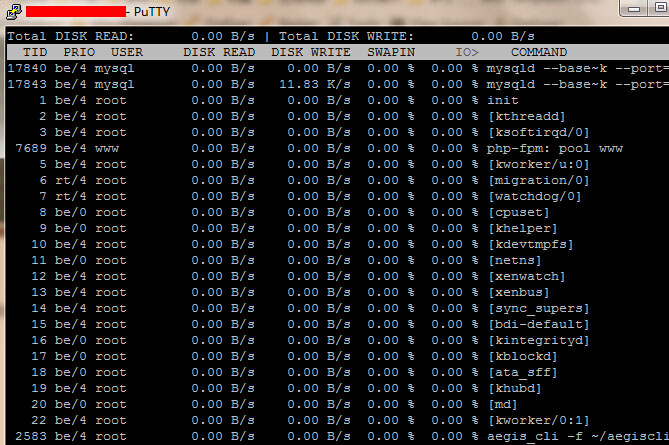
iotop使用说明:
可以用左右箭头操作,按 r 是相反方向,按 o 是动态切换
用法 iotop -参数
–version 查看版本信息的
-h, –help 查看帮助信息的
-o, –only 只显示在划硬盘的程序
-b, –batch 批量处理 用来记录日志的
-n NUM 设定循环几次
-d SEC, –delay=SEC 设定显示时间间隔



